
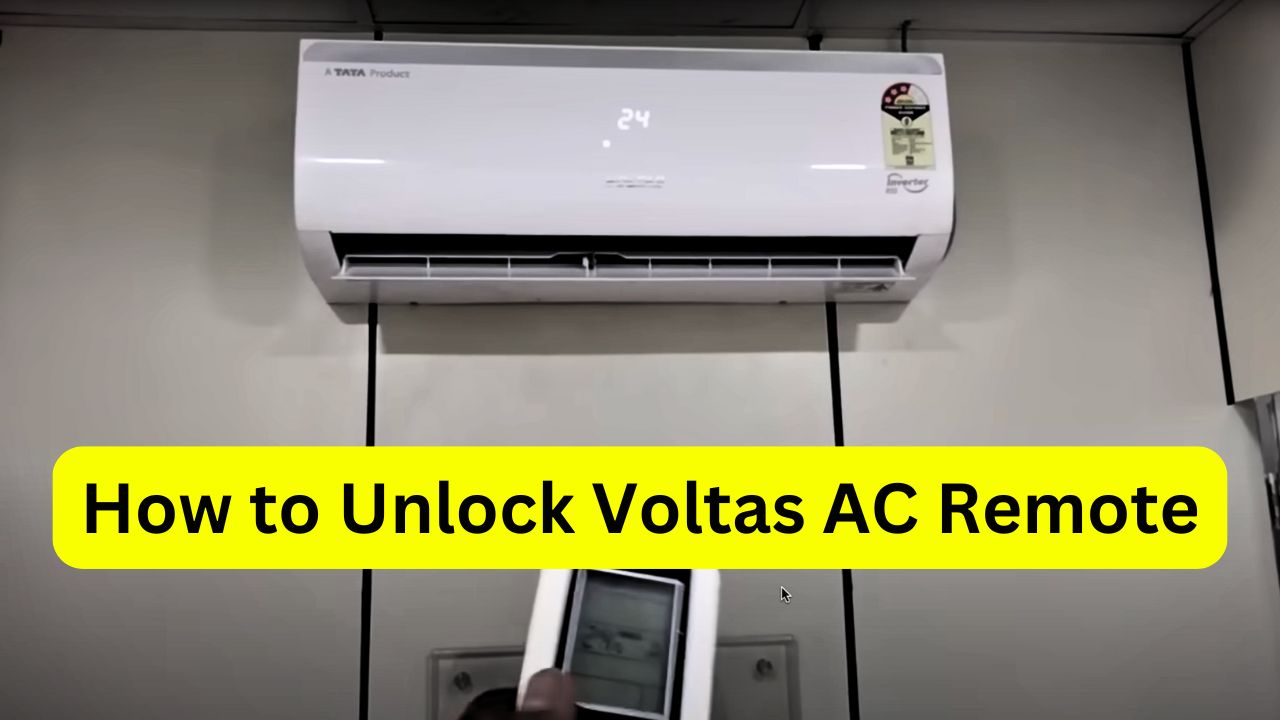
Imagine it’s a sweltering day and you point your Voltas AC remote at the unit – but nothing happens. The little screen shows a padlock icon, and you feel a spike of panic and annoyance. Your cool escape seems locked away! Don’t worry – many people have been frustrated by this exact problem, and it usually has a quick fix.
In simple terms, your remote has a built-in “lock” or child-lock feature that prevents accidental button presses (especially around kids). Below, we explain why it might lock itself and how to unlock it step by step, in plain everyday language. We’ll also offer troubleshooting tips and easy habits to avoid the issue again.
Common Reasons Your Remote Gets “Locked”
- Child-lock activated by accident: Voltas remotes include a lock feature (often called a “child lock”) to keep settings from changing unintentionally. If the lock is on, an icon (usually a little padlock or key) appears on the display. This often happens by mistake – for example, someone might hold down the wrong buttons or bump the remote in a bag. Bajaj Finserv notes that “some remotes have a lock feature that may accidentally get activated”. In other words, a stray press of the temperature Up (▲) and Down (▼) buttons, or a dedicated lock button, can flip on the lock without you realizing it.
- Weak or dead batteries: Sometimes the remote seems locked simply because it’s out of power. A remote with very low batteries will not respond at all, making it feel “stuck.” In fact, Bajaj Finserv reminds us that dead or weak batteries are “one of the most common reasons” a remote won’t work. If nothing happens when you press buttons (and there’s no lock icon), try fresh batteries before anything else – it may solve the problem instantly.
- Other glitches: On rare occasions, the issue might not be the lock at all but something like a lost pairing or a need to reset the remote. For example, if the remote has lost sync with the AC unit, it may ignore input. Bajaj Finserv suggests resetting or re-pairing the remote as a last resort if the lock trick and battery swap don’t work. Also, check the remote’s IR sensor and the AC’s receiver for dirt or obstructions (though this usually causes unresponsiveness rather than a lock icon).
Knowing these reasons can save you a lot of head-scratching. The key clue is usually the padlock icon on the remote’s screen. If you see it, the remote is locked by design (to prevent accidental changes) – but it’s easy to turn off again.
Step-by-Step: Unlocking Your Voltas AC Remote
To unlock the Voltas AC remote, you just need to press and hold certain buttons. The exact keys depend on your model, but for most Voltas remotes, the process is simple and the same steps both lock and unlock the control. Follow these steps:
- Check for the lock icon: Look at the remote’s display. If you see a little padlock (🔒) or key icon, the remote is in lock mode. This confirms that the lock feature is on.
- Press and hold the ▲ and ▼ buttons: Simultaneously press the temperature Up (▲) and Down (▼) buttons and keep them held for about 3–5 seconds. This is the main trick. The Voltas manual confirms that pressing the “+” and “–” (up and down) buttons together activates or deactivates the lock. It may feel a bit odd at first, but holding these two arrow buttons together is all you need.
- Tip: On some Voltas remotes there’s also a dedicated Lock/Child-Lock button (often labeled or marked with a padlock symbol). If your remote has this button, you can alternatively press and hold it for a few seconds (typically about 5–10 seconds) to unlock. In most cases, however, the plus-and-minus method works for any model.
- Tip: On some Voltas remotes there’s also a dedicated Lock/Child-Lock button (often labeled or marked with a padlock symbol). If your remote has this button, you can alternatively press and hold it for a few seconds (typically about 5–10 seconds) to unlock. In most cases, however, the plus-and-minus method works for any model.
- Wait for the lock icon to disappear: After holding the buttons, look at the screen. The padlock symbol should vanish. Voltas’s guide says that once the lock symbol disappears, the remote is unlocked. In other words, the lock mode has been turned off.
- Test the remote: Finally, verify that the remote is working. Try changing the temperature, adjusting the fan speed, or turning the AC on/off. If you can control the AC again, you’re all set. HomeAlliance notes that after unlocking you “should be able to control the AC settings without any restrictions”. If the air conditioner responds normally, the lock is off and you’ve succeeded!
By the end of these steps, you should feel the relief of making those buttons come alive again. It’s a straightforward process, and many users are delighted when they see that stubborn padlock disappear and the remote finally works as expected.
What to Do If It Still Won’t Unlock
Sometimes the basic unlock trick might not work immediately, and that’s okay. Don’t panic—try these troubleshooting tips one by one until the remote responds:
- Try again, a bit differently: Make sure you’re pressing the right buttons for long enough. Sometimes simply holding the ▲ and ▼ keys for a few more seconds (or repeating the process) does the trick. Also double-check if you tried the alternate lock button method (if your model has one).
- Replace or re-seat the batteries: Swap in new batteries. As mentioned, weak batteries can make the remote seem “dead.” Replace them with fresh AA or AAA cells and try the unlock steps again. Even if the remote is locked, fresh power ensures the buttons register properly. Sometimes, also remove and then re-insert the batteries to fully reset the remote electronics.
- Reset the remote: If holding the lock button and changing batteries didn’t help, see if your remote has a reset option. Some remotes have a small Reset hole or button inside the battery compartment. Press and hold that reset switch for about 10–15 seconds. This often clears glitches. After resetting, try the unlock steps once more.
- Re-pair or restart: As a last resort, if the remote still won’t respond, try turning off the AC unit at the power supply for a minute, then power it back on. Some Voltas models may need the remote to be re-synced with the unit. Consult your manual for “pairing” instructions if necessary. Bajaj Finserv recommends pairing the remote again with the AC if simple fixes fail.
- Consult support or manual: If nothing seems to work, refer to the user manual that came with your AC. It may have model-specific tips. You can also contact Voltas customer support for help. The official Voltas advice is to check the manual or reach out to the manufacturer if needed. They can walk you through any hidden steps or check if there’s a problem with the unit.
Through all this, remember: the goal is your cool comfort, and these hiccups have easy solutions. Taking a deep breath and following the above checklist usually resolves the problem. And when you do finally hit those buttons and feel the cool breeze again, you’ll feel a wave of satisfaction – like you beat the problem before it got out of hand.
Tips to Prevent Accidental Locking
Once your remote is happily controlling the AC again, here are some simple habits to avoid future locking drama:
- Be mindful when pressing buttons: Knowing that holding both the ▲ and ▼ buttons together locks the remote, avoid doing that by accident. When adjusting temperature, press one button at a time. Treat the lock combination as a special action, not something you do in normal use.
- Teach family members: If you have kids or others using the AC, let them know about the lock feature. For example, tell everyone “if the remote shows a padlock, it’s locked – you just hold up and down together again.” This way, accidental presses become understandable and fixable rather than mysterious.
- Keep the remote in a fixed spot: Store the remote on a table or in a wall bracket when not in use, rather than tossing it into a cushion or bag. This prevents other items from pressing buttons when you’re not looking.
- Use the lock intentionally: If you actually want to prevent little ones from changing settings (on very hot days you might!), you can leave the remote locked on purpose. Just remember how to unlock it when needed. Conversely, if you never need that safety feature, try to avoid touching the lock combo altogether.
- Regular checks: Every once in a while (especially after cleaning or replacing batteries), glance at the remote’s display to make sure the padlock icon is off. Catching it early keeps the problem small.
By keeping the remote in good shape and being aware of how its lock works, you’ll reduce the chance of finding yourself locked out of cool comfort again.
Stay Cool and Relax: Dealing with a locked remote can be aggravating – especially when you’re already hot. But once it’s solved, you’ll likely feel a great sense of relief and even a small triumph. Getting that cool breeze back with your newly unlocked remote can turn frustration into satisfaction. After all, “nothing is more satisfying than seeing that padlock disappear and hearing click as the AC kicks in,” as many users put it. So next time the remote acts up, remember these tips and you’ll be back to chill mode in no time.
✅ In short: If your Voltas AC remote gets locked, look for the padlock icon and press the temperature up and down buttons together for a few seconds. If that doesn’t work, check batteries, reset the remote, or contact support.
Sources: Official guidance and troubleshooting tips from Voltas and appliance experts were used to compile this advice voltas , bajajfinserv, homealliance also I used voltas and hitachi ac for 8 years so I know the fats . These include the Voltas AC blog and service guides that explain the lock feature and unlocking procedure.